Google Tag Manager
Manage MNTN tracking and conversion pixels directly through Google Tag Manager (GTM) — no code edits needed, just easy setup and measurable results for your site.
https://tagmanager.google.com Help Center Request DemoWhy MNTN x Google Tag Manager
Google Tag Manager helps you manage marketing and analytics tags like the MNTN Pixel without touching your site’s code. That means faster setup, fewer errors, and full control over your tracking in one place. Just add MNTN’s tags, set your triggers, and start measuring performance — no developer help needed.
Set Up and Start Measuring
Overview
With MNTN’s GTM integration, you can install, configure, and update tracking and conversion pixels entirely within GTM. Once live, the pixels track site visits, conversions, and revenue from your CTV campaigns. That data flows straight into your MNTN dashboard in real time.
How it works:
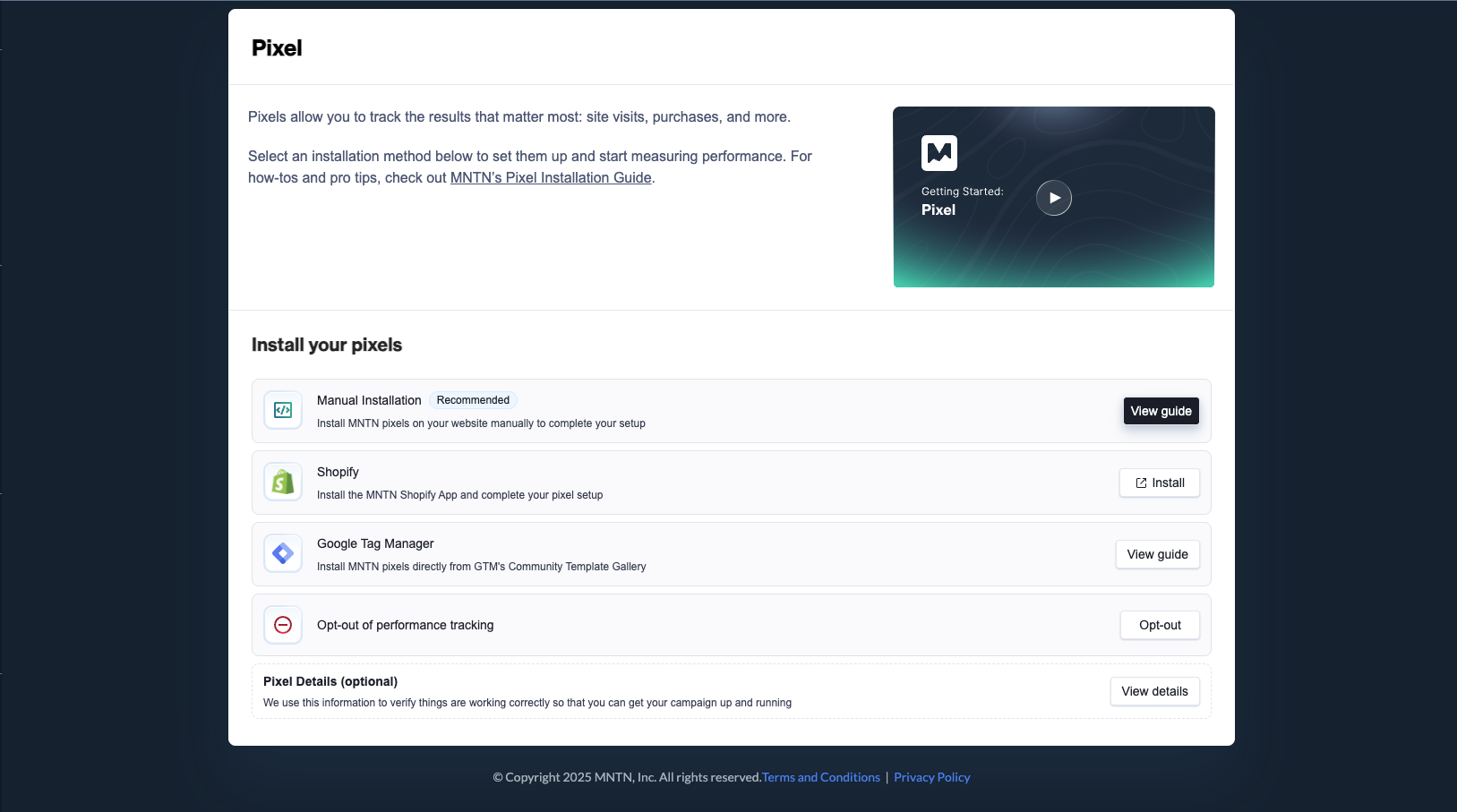
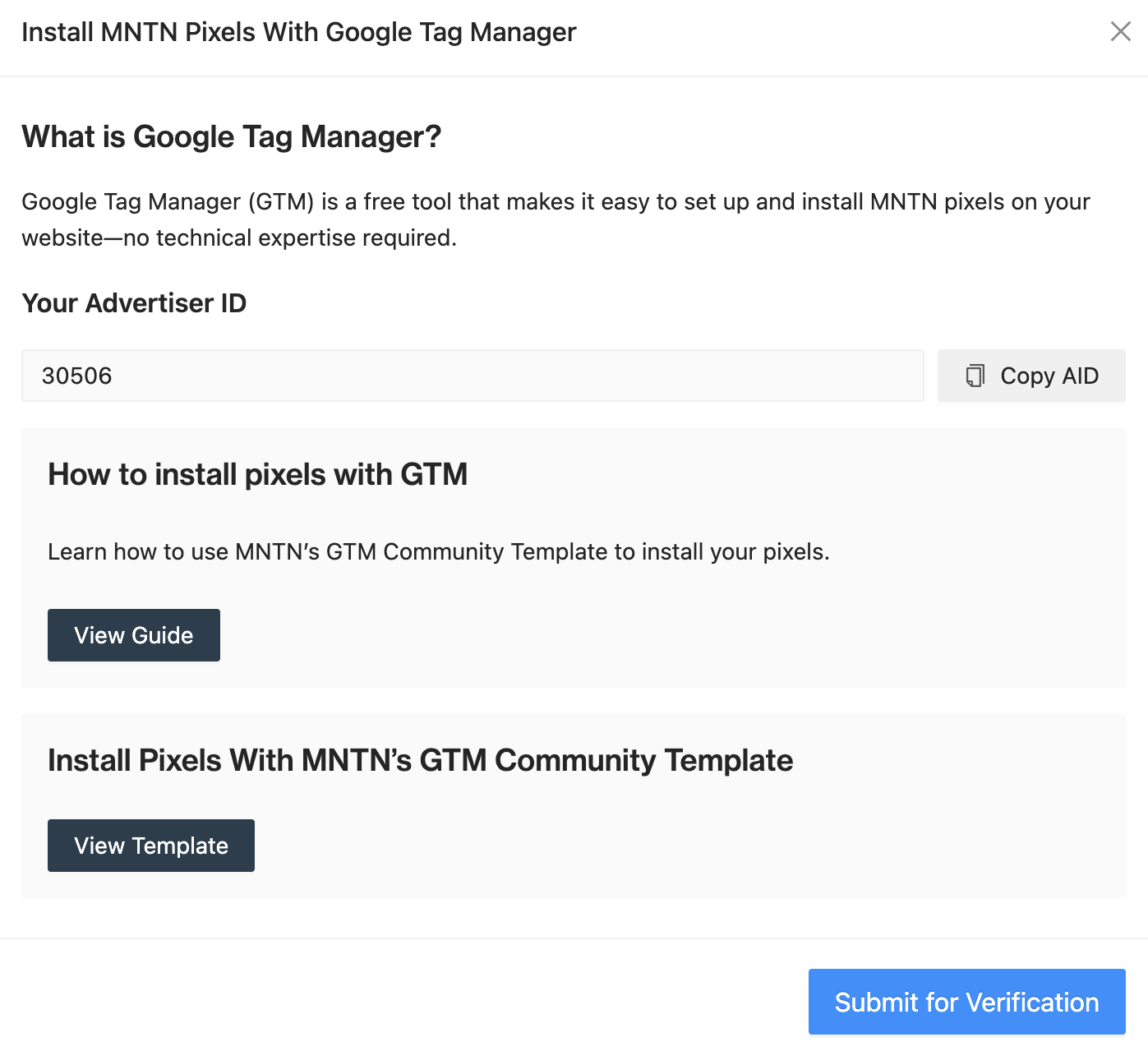
- Get your tracking and conversion pixel codes from the Pixels tab in MNTN.
- In GTM, add MNTN tags using the Community Template Gallery.
- Enter your Conversion Type (like Purchase or Sign Up) when setting up conversion tags.
- Set triggers to fire the tags on the right pages or events.
- Publish your GTM container. From there, MNTN starts collecting Verified Visit™ and conversion data.
Features
- Easy, No-Code Setup: Add and manage MNTN tracking and conversion pixels directly in Google Tag Manager without touching your website’s code.
- Flexible Tag Configuration: Use built-in templates, set custom triggers, and define conversion types like Purchase or Sign Up to match your campaign goals.
- Real-Time Performance Insights: Pixel data flows instantly into your MNTN dashboard, giving you clear, actionable visibility into CTV-driven site visits and conversions.